Quickstart — Crew / Cast
You're a T3 role. Grace has a lot of features, but for you, most of them are irrelevant — your view is intentionally minimal. You see what you need to do your day; you don't see the budget, the contracts, or the data on your peers.
What you see
Open /dashboard/production for the show you're on.
- Day Header (compact) — what shoot day it is and the date.
- Your Call Today — your call time (with override vs general-call distinction), today's location, today's scenes you appear in (cast) or any scenes scheduled (crew).
- Today's Scenes — same scene list, with strip color + page count + location.
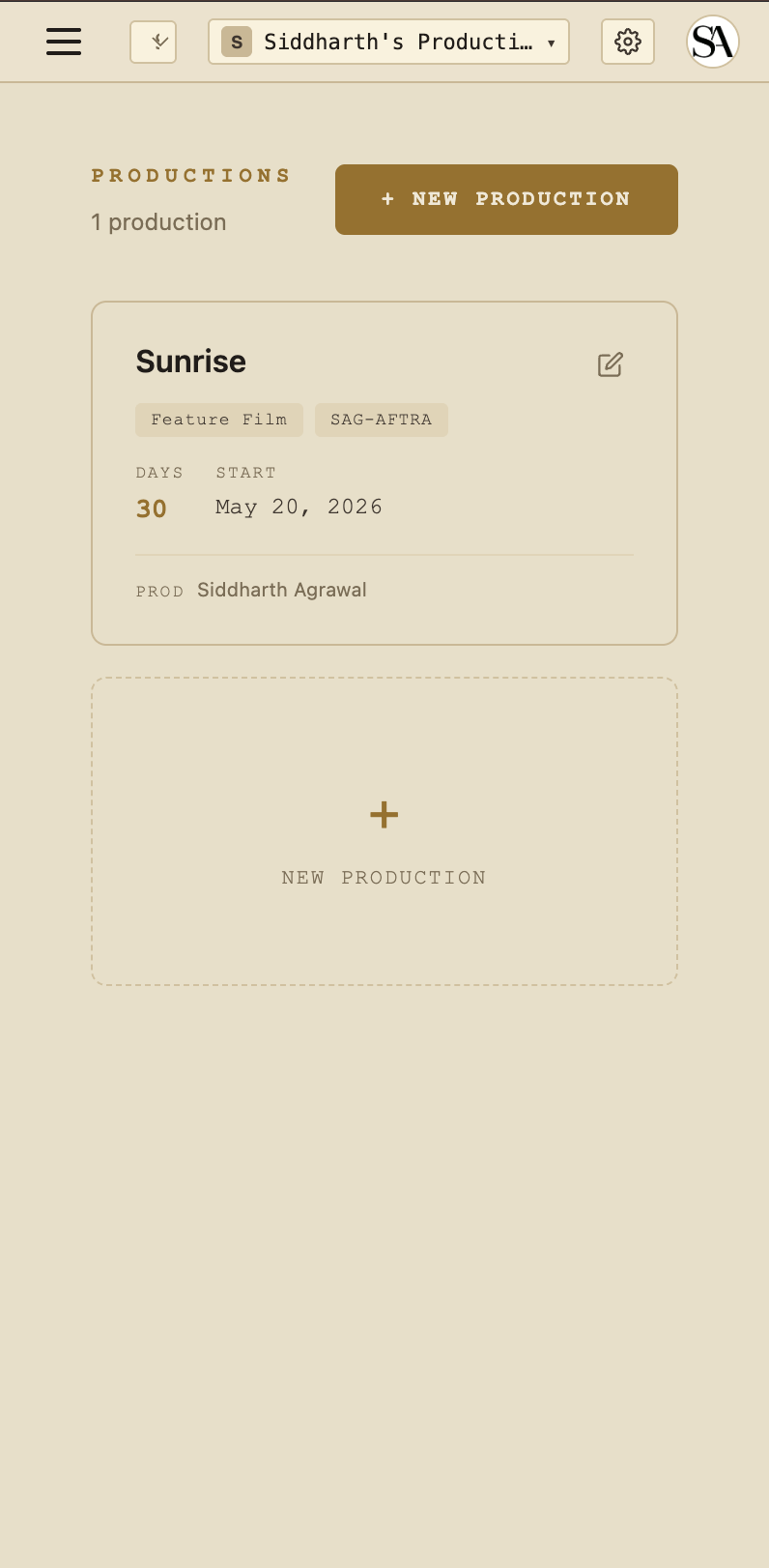
That's the whole page for you. There's no sidebar full of features hidden under your fingers — by design, you don't need them.
Cast variants
If you're cast (actor, minor, cast guardian), the "Today's Scenes" list is filtered to scenes you actually appear in based on the breakdown. If you don't see a scene listed, you're not on call for it.
Mobile
The per-production dashboard is the main page you'll visit. Mobile-friendly — the cards stack to a single column.
Email reminders
The call sheet is emailed to you the day before via a Grace-branded email at callsheet@theobeliskstudio.com. Clicking the link in the email opens a per-recipient share page that doesn't require sign-in — you can show it on your phone at the gate.
What you can do
- View your call info
- View today's scenes
- View any scene's basic details (location, time-of-day, page count)
What you can't do
- See other crew members' rates / contact info
- Edit the call sheet, schedule, or budget
- Submit timecards (the AD does that for you)
- Access the vault
If you need something you don't see, ping the AD or your department head.
Next reads
- The dot system — blue = Grace, gold = human, green = signed document.