Vault — screeners, dailies, DIT pipeline
The Vault is Grace's secure media delivery surface. Three sub-modules:
- Screeners — magic-link delivery of cuts / assemblies / pitch reels to producers, financiers, festivals.
- Dailies — per-day raw camera captures delivered to the editor + post team.
- DIT pipeline — set-side media card tracking + offload management.
All three require Studio plan (the Vault sections are gated to Studio-only orgs; Standard orgs see them with a STUDIO pill that opens an upgrade modal on click).
Screeners
/dashboard/vault/screeners.
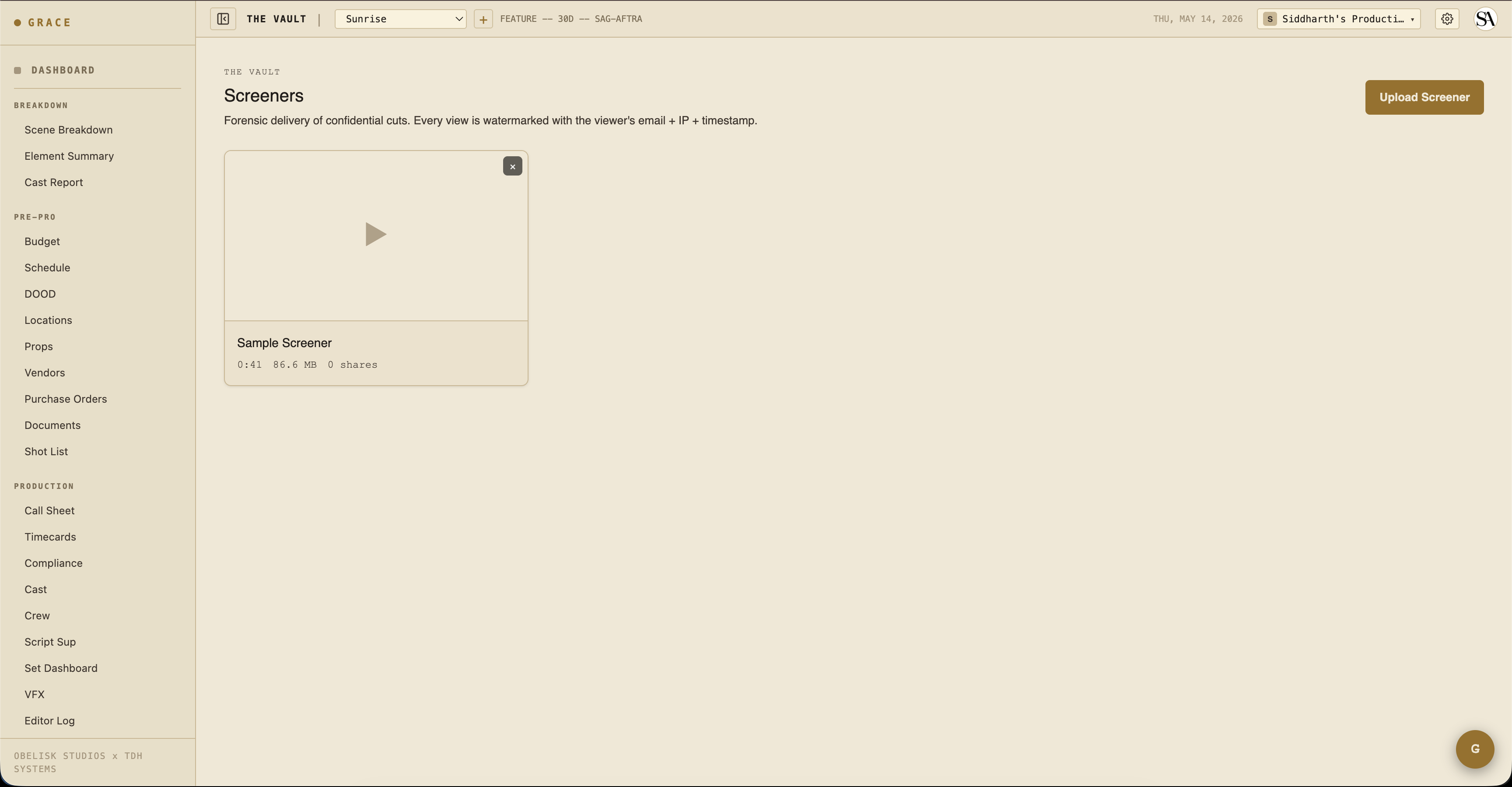
A screener is a cut you want a specific person (producer / financier / festival) to be able to view, but not download. Each screener has:
- File — the video file. Uploaded directly from your browser to secure cloud storage.
- Title + description — what this cut is.
- Watermark layout — visible to recipients during playback.
Sharing a screener
From a screener row, click + NEW SHARE. Enter the recipient's email + name. Grace generates:
- A magic-link URL.
- A 6-digit access code that expires after 10 minutes.
- An email from the Vault sender with the link.
The recipient flow:
- Click link → land on the Vault viewer.
- Request a code → Grace emails the 6-digit code to the registered email.
- Enter the code → unlocks the session. The session lasts 24 hours and refreshes itself as long as you're active.
- View the screener. Watermarks visible at all times.
Watermarks (deterrent tier)
This is deterrent-tier protection, not DRM. OBS can still capture the screen, but the captured copy carries identifying watermarks:
- Bottom-right corner — recipient email + share ID short + UTC timestamp, refreshed every 30s.
- Large diagonal — same info, wandering every 8 seconds across the frame.
Both layers can't be hidden via DevTools (without breaking the page entirely).
A stronger tier — server-side watermark burn-in plus air-gapped review — is on the roadmap.
Device kick
Each time a viewer enters a fresh code, the previous device's playback stream is invalidated. So if the recipient shares their viewer link with someone else, only the most recent device can keep watching.
Forensic log
Every interaction is logged: code request, play start, seeks, device change, exit. Producers can audit who watched what when.
Dailies
/dashboard/vault/dailies.
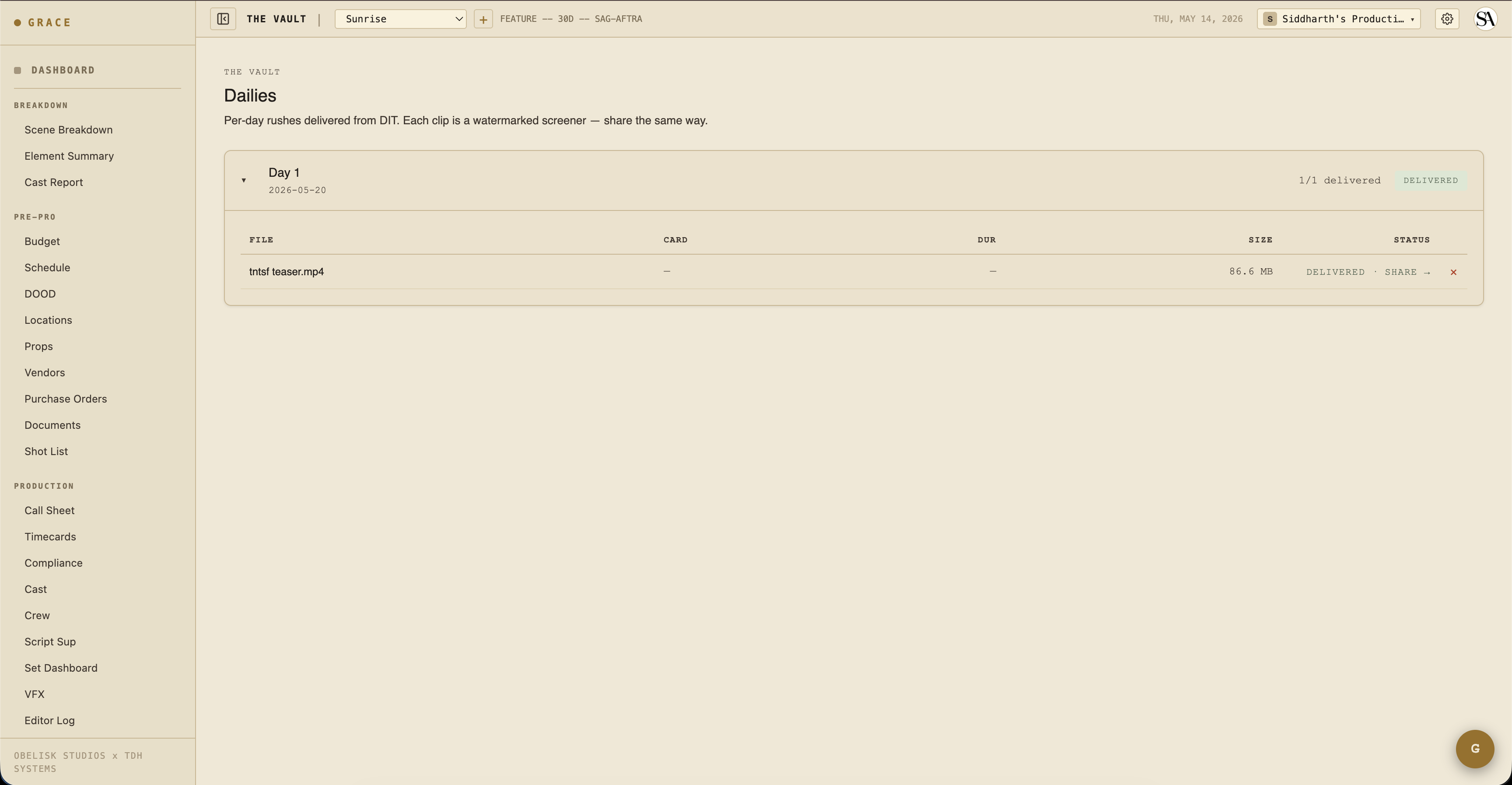
One dailies package per shoot day. Inside, multiple clips — one per source camera setup or per A/B camera split.
Per-clip flow
DIT uploads each clip directly from the browser (up to 5 GB per clip). Clips stay producer-internal until you mark the package as delivered. On delivery, Grace converts each clip into a magic-link-protected screener so the editor / post team can stream it under the same security as everything else in the Vault. The clips never appear in your main screeners list — they live in the dailies surface only.
What recipients see
The editor or VFX team can be granted access to a dailies package the same way as screeners — magic link + email code. They see a list of clips and can stream each one. Same watermarks.
DIT pipeline
/dashboard/vault/dit.
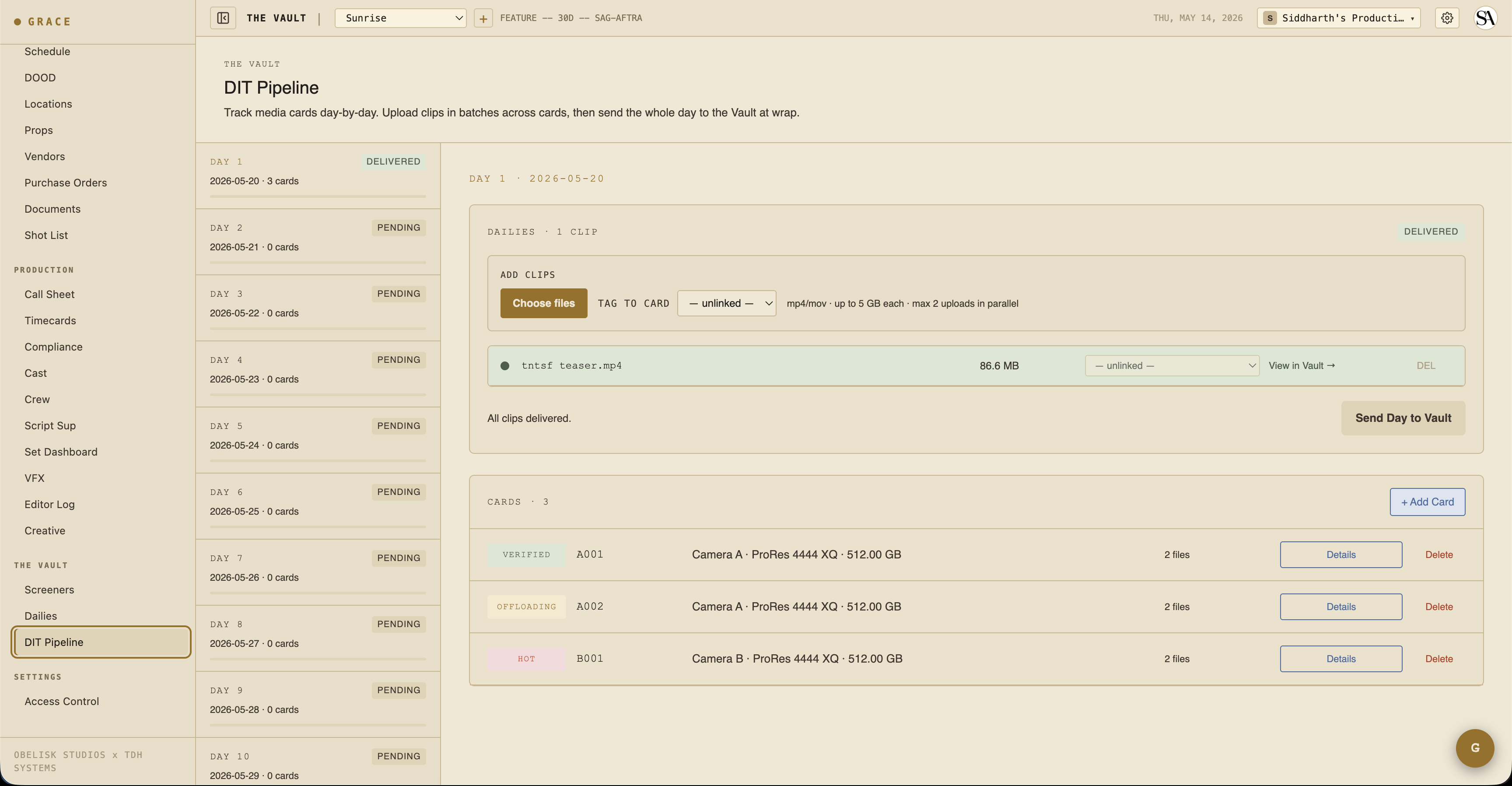
DIT (Data Imaging Technician) workflow for tracking media cards from set offload to verified.
Each card row carries:
- Shoot day + camera — A001 / B001 / etc., from camera A or B.
- Format — ProRes 4444 XQ / RAW 6K / etc.
- Capacity + used — GB on the card.
- Master + backup drive paths — where the card was offloaded to.
- Checksum status — confirmed on both copies via xxhash64.
- Status — hot (still recording) → offloading → offloaded → verified → cleared.
Status flow
- Hot — card is in the camera, currently recording. Don't pull.
- Offloading — card pulled from camera; in the process of being copied to master + backup drives.
- Offloaded — both copies done.
- Verified — checksums confirm both copies match the source. Card can now be reformatted and returned to set.
- Cleared — card is back in rotation.
Files per card
The file manifest per card — name, size, duration, checksum, optional scene/take reference — is populated by the DIT drawer's "+ Add Files" flow (paste a list of filenames from Resolve's offload report). For dailies clips delivered as media files, a separate batch upload path is used.
Vault security in depth
See Vault security reference for:
- Token format + entropy budget
- Session cookie signing
- Device kick mechanics
- Watermark layers
- Range-only stream enforcement
- Forensic log shape
Next
- Editor log — what happens once you've got dailies clips linked to circled takes.
- Wrap + delivery — final delivery handoff at end of show.